NEW A OS
The app New A is built in. Draw the city to the block, run its trains, play it back to 2013 and keep every building on the record — then publish it all to this site in one click.
- One fileno install, no account
- Works offlinethe internet only to publish
- Your data stays homein your browser and your own vault folder
- Nothing lostnumbers never change, updates keep everything
Draw the city. Drive it.
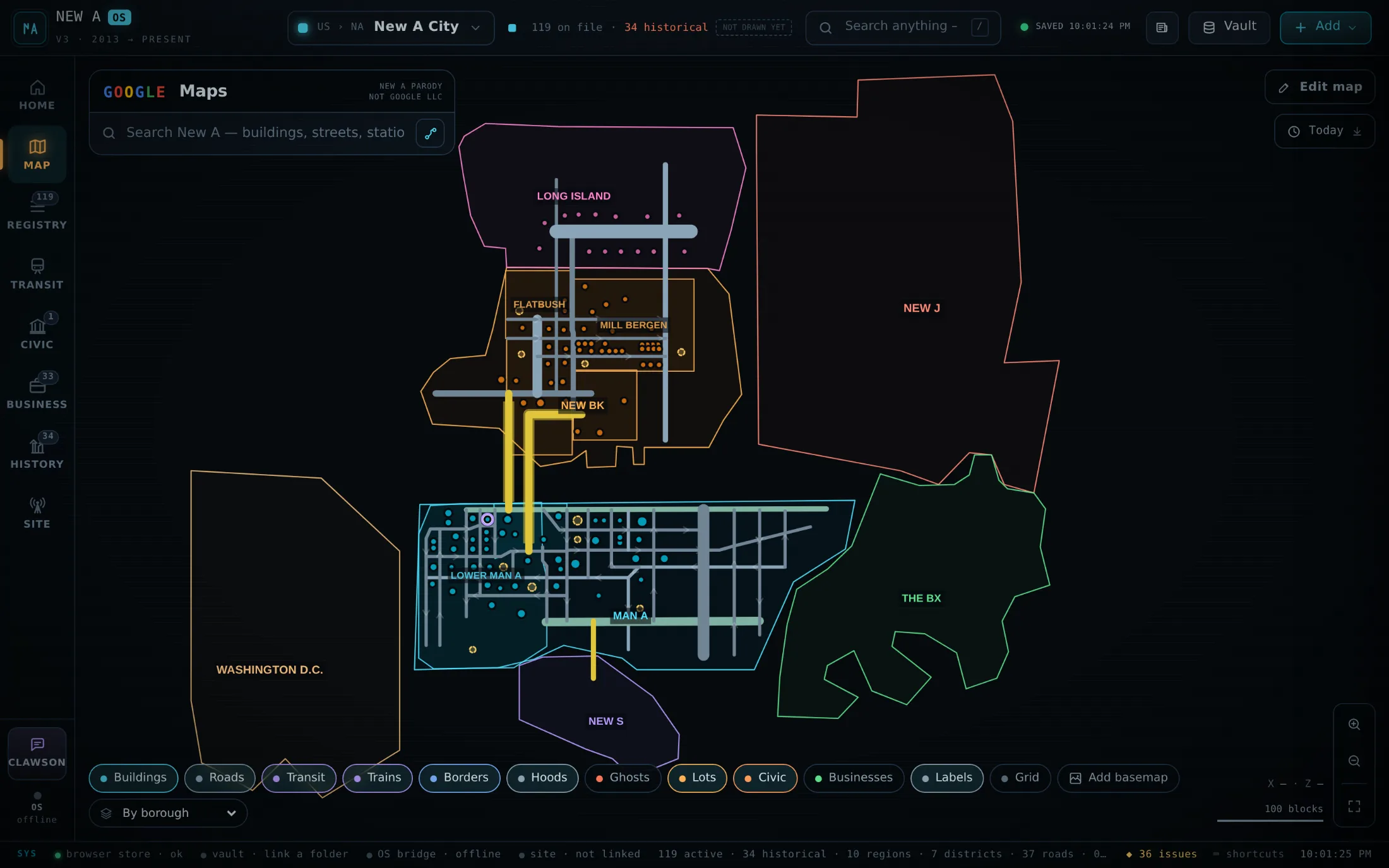
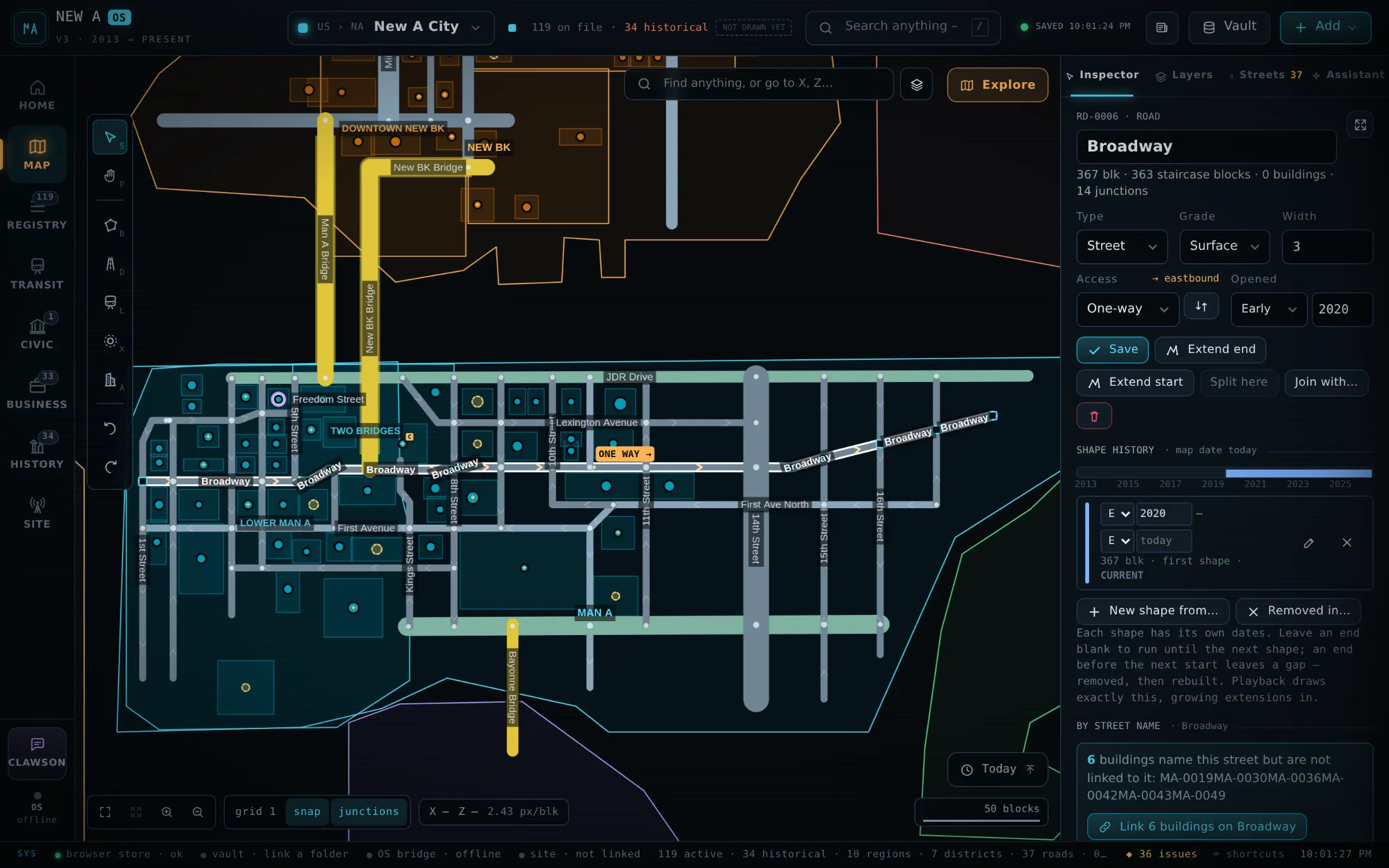
A Google-Maps-style map of every border, road, bridge, line and building, drawn to the block. Roads know their width, grade and direction: one-way streets carry faint arrows that brighten on hover, bridges land on the streets they meet, and directions drive the legal way round the block — or walk.
- One-way streets and turn-by-turn Drive / Walk directions
- Bridges and tunnels that join the streets they land on
- Snap, junctions, staircase lengths and X·Z to the block
Trains that run on time — on your map.
Draw a line and drop stops as you go; stations attach to the track and transfers link themselves. Every open line runs trains on its headway and hours, dwelling at each stop and laying over at the ends — the same timetable the departure board shows, so the map and the board agree to the second.
- Live trains on the map, a Departures board and a trip planner
- Hours, part-time service, construction and planned stations
- Project costs and the lift a station gives nearby values
Go back to any year — and edit it there.
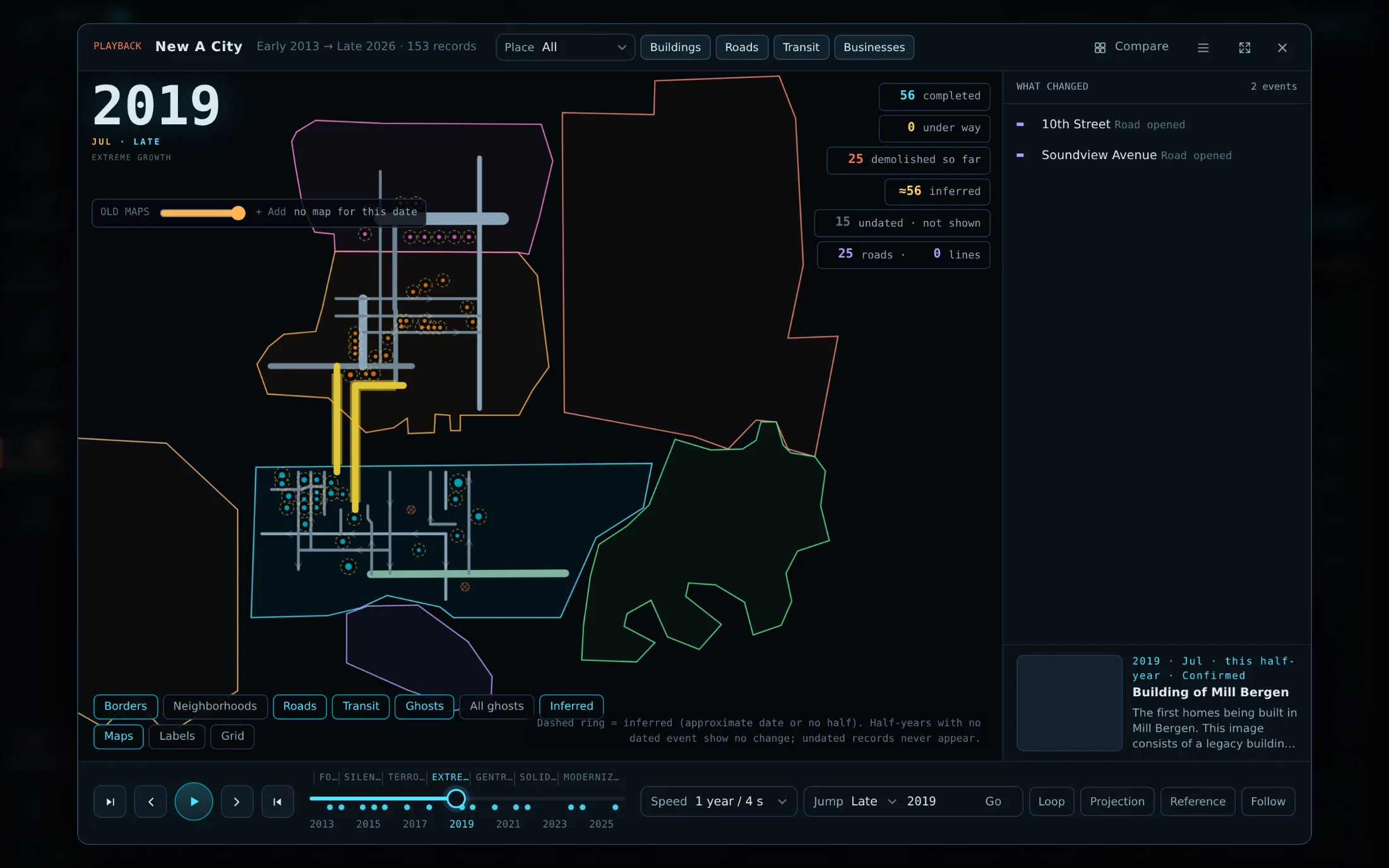
Every road and track keeps dated shapes, so playback grows the city half a year at a time from 2013: roads lengthen, lines close and reopen, demolitions fade out. The clock on the map takes you back to any date and lets you edit there — new records take that date. Old Minecraft map files sit under it as period maps.
- Playback with compare, projection and the chronicle
- A time slider on the map: see and edit the city as it was
- Minecraft map_#.dat files placed to the block as period maps
Every building, on the record.
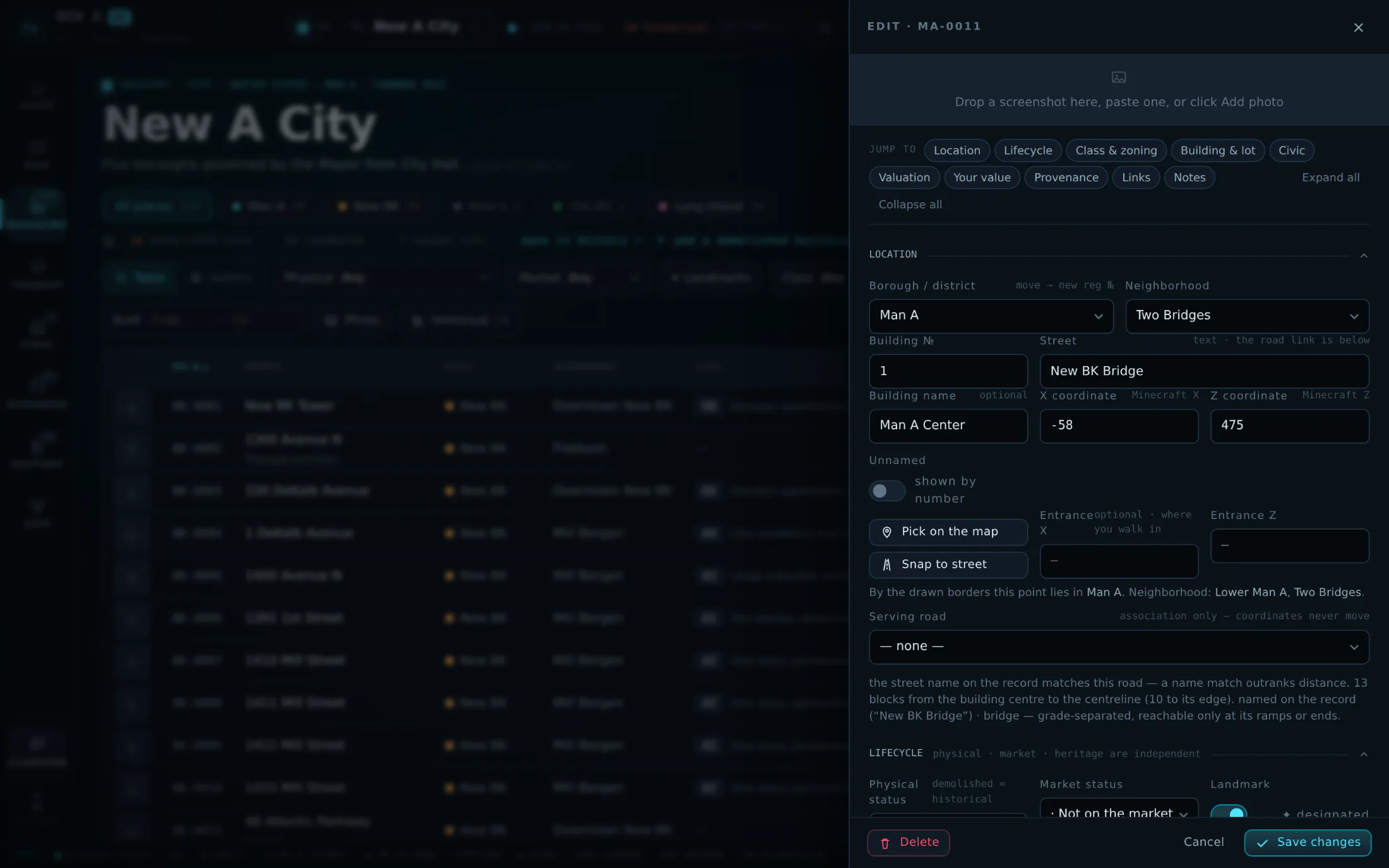
Registration numbers that never change, lifecycles that keep construction, market status and heritage apart, irregular lots measured from the outline you draw, valuations that explain every factor, and a chronicle with a photo for each half-year. The editor folds into sections, so a long record stays short.
- Lots of any shape with frontage and depth worked out
- Estimated values: transit, services, corner lots, era
- Nothing renumbered, nothing silently dropped — ever
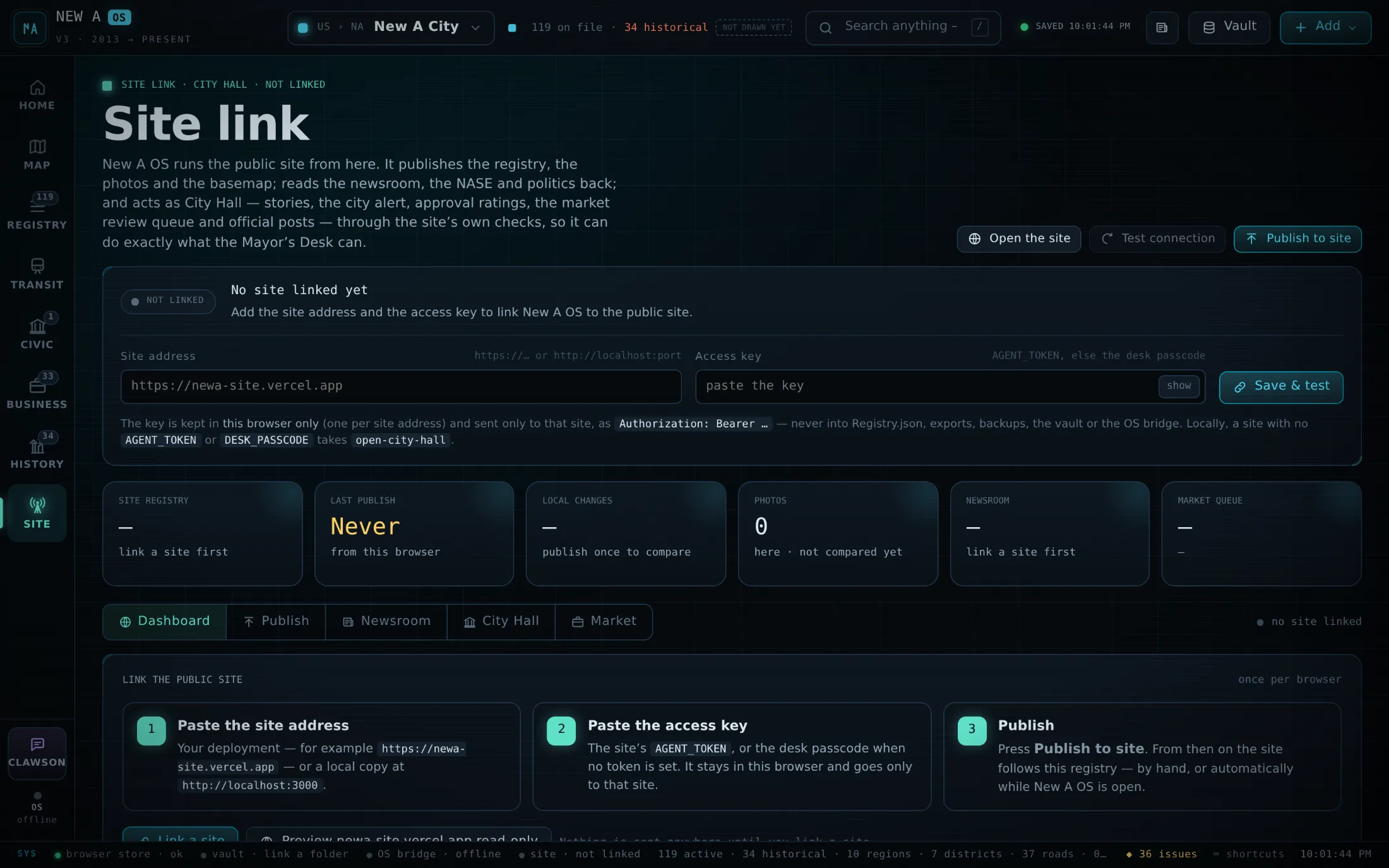
Publish the city in one click.
New A OS is the master copy and this website follows it. Publish to site — or leave auto-publish on — and the registry, its photos and the basemap come here, checked and logged. The same screen runs City Hall: stories, the city alert, approval ratings and the market review queue.
- Auto-publish about 45 seconds after edits stop
- Photos follow every publish; nothing sent twice
- The access key stays in your browser, never in a file
Three steps, about two minutes
- Download
It saves as
New-A-OS.html. Keep it somewhere you’ll find it — your Documents folder is fine. Updating later? Replace the old file with the new one. - Open it in Chrome or Edge
Double-click the file. Always use the same browser and profile: that is where your registry lives. Link a vault folder (top right, Vault) to keep a copy on your drive too.
- Link this site
Click Site in the left bar, enter
https://newa-site.vercel.appand the access key, then Publish to site. Turn on auto-publish and the site follows every edit.
Release notes
- 3.5.2October 2026Latest
Photos follow every publish
- Every publish, by hand or automatic, also sends the building and chronicle photos the site is missing — in the background, never twice.
- A switch under Site link → Publish turns it off; removing a photo never removes it from the site.
- 3.5.1October 2026
Bridges land, trains lay over
- A bridge or ramp joins the street it ends on whatever the grades; decks draw above the streets they cross.
- Between runs a train waits at each terminal; outside service hours the map says when the next one leaves.
- 3.5October 2026
One-way streets, live trains, a calmer editor
- One-way streets with faint arrows and Drive directions that obey them.
- Trains moving on the live map on the departure board’s own timetable.
- The building editor in eleven collapsible sections; valuation v2.
- An audit of the whole app on desktop and phone: 25 fixes.
- 3.2October 2026
The Site link and the time button
- New A OS publishes to this site and runs City Hall from one screen.
- A clock on the map to see and edit the city at any date; the vault folder stays linked.
- 3.0October 2026
Transit, dated shapes, lots and old maps
- Lines with stops, stations that attach, transfers, a departures board and project costs.
- Road and track shapes with dates, gaps and rebuilds; playback that grows them.
- Irregular lots, Minecraft map imports and a usability sweep.
Before you download
Will updating lose my city?
No. Your registry lives in the browser, not in the file — replace the old file with the new one and open it in the same browser and profile you always use, and everything is there. Linking a vault folder also keeps a Registry.json on disk.
Why does it open empty?
It was opened in another browser, another browser profile or from a website tab — each keeps its own copy. Open the file the usual way, or import the vault’s Registry.json.
Which browsers work?
Chrome or Edge on a computer. They let New A OS write to a vault folder on your drive; other browsers run it but keep the registry in the browser only.
Does it need the internet?
No. It is one HTML file and works offline. The internet is only used when you publish to this site, read the newsroom and markets, or turn on the assistant with your own key.
Is my data sent anywhere?
Only what you publish, to the site you link — the registry, its photos and the basemap. App settings, keys, the news inbox and world scans never leave your computer.
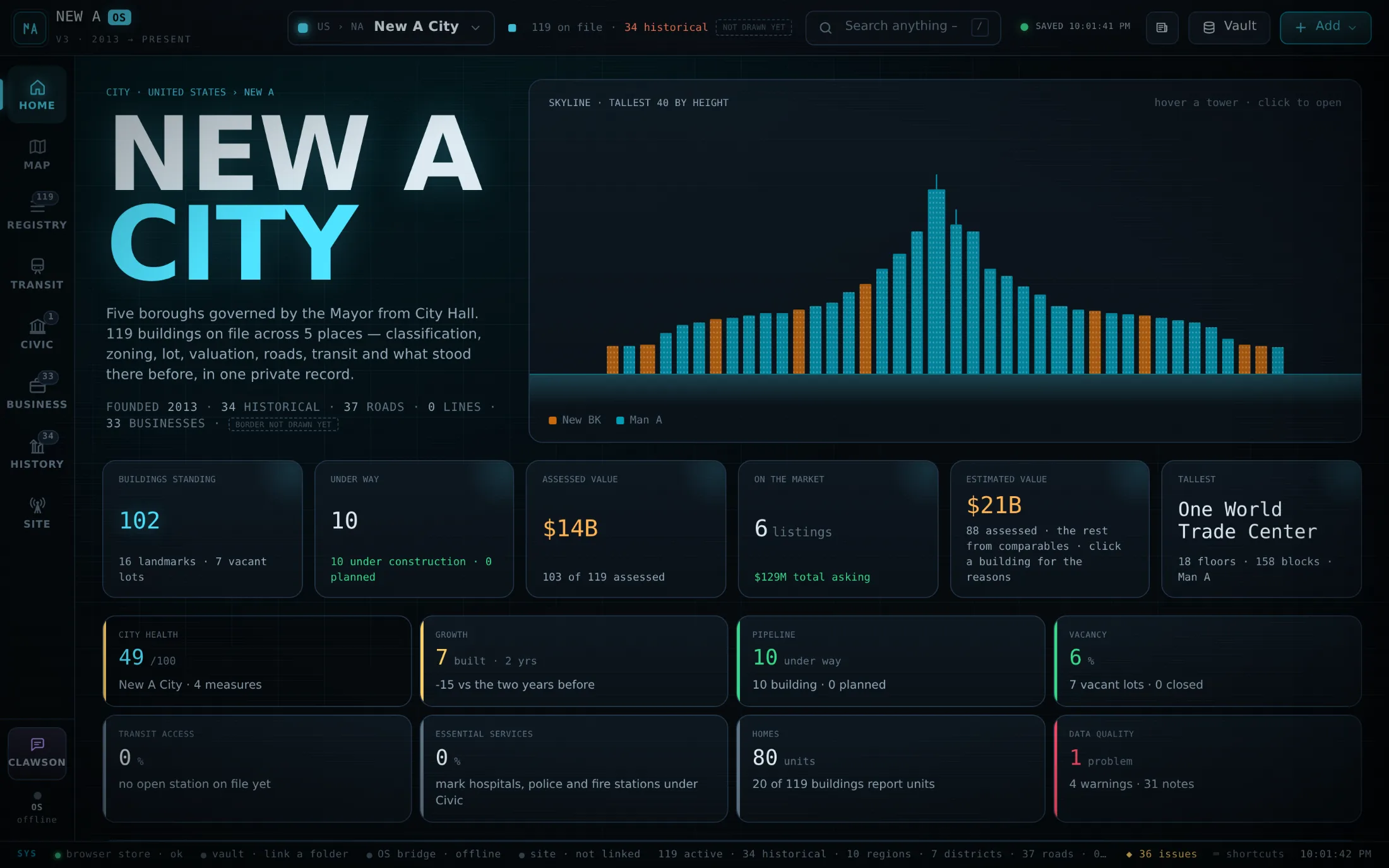
Your city, at a glance.
Skyline, values, the pipeline, transit access and data quality — the moment you open it.
Download New A OS